Total Annihilation,
rebuilt for
modern computers.
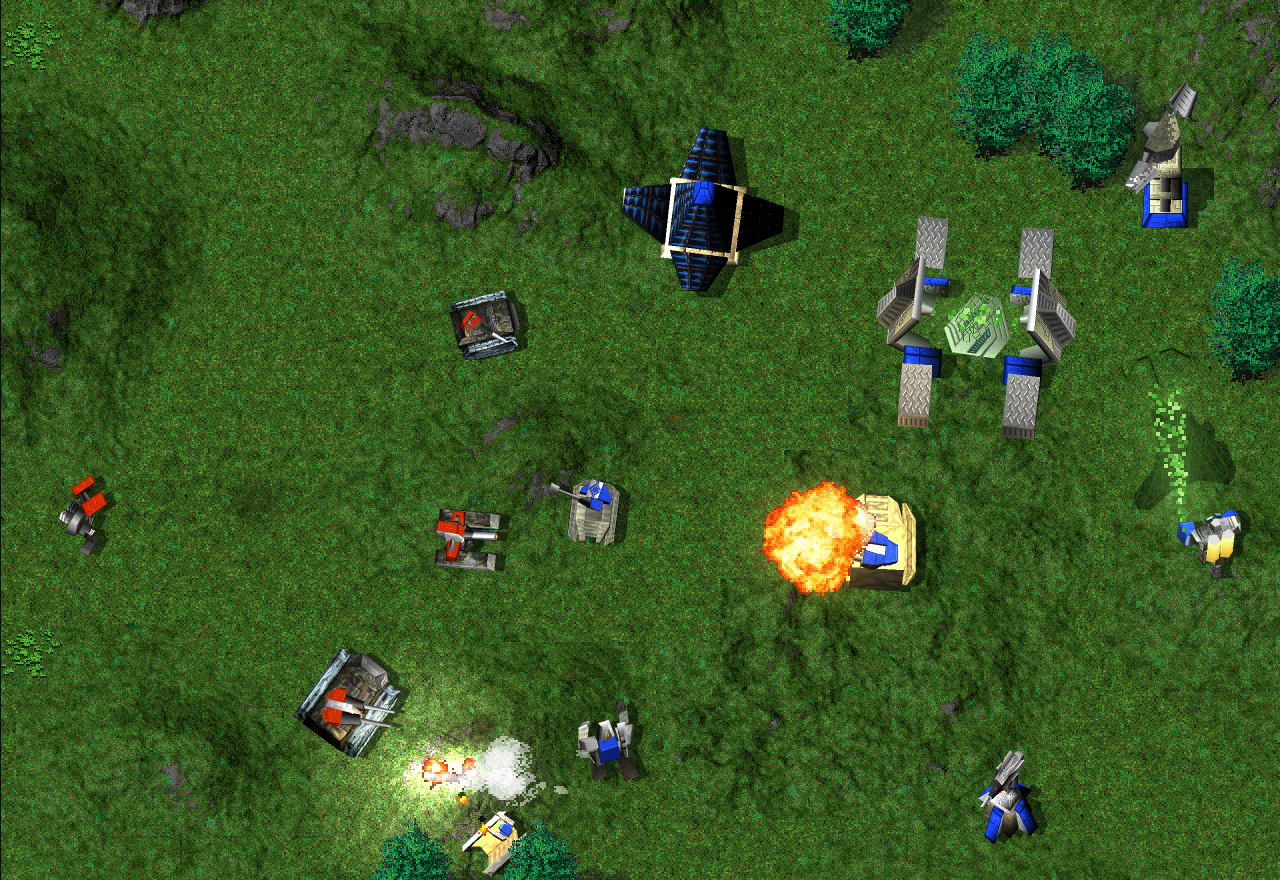
Nanolathe is an open-source engine for playing Total Annihilation on Windows, Mac and Linux. It loads the original maps, units and campaigns. You can try it right here with the three-mission browser demo.
The demo needs no game files or installation.
Use desktop Chrome, Edge or Safari with a keyboard and mouse.
Public beta Campaign, skirmish, Survival and online play are available. Expect bugs and some compatibility gaps.
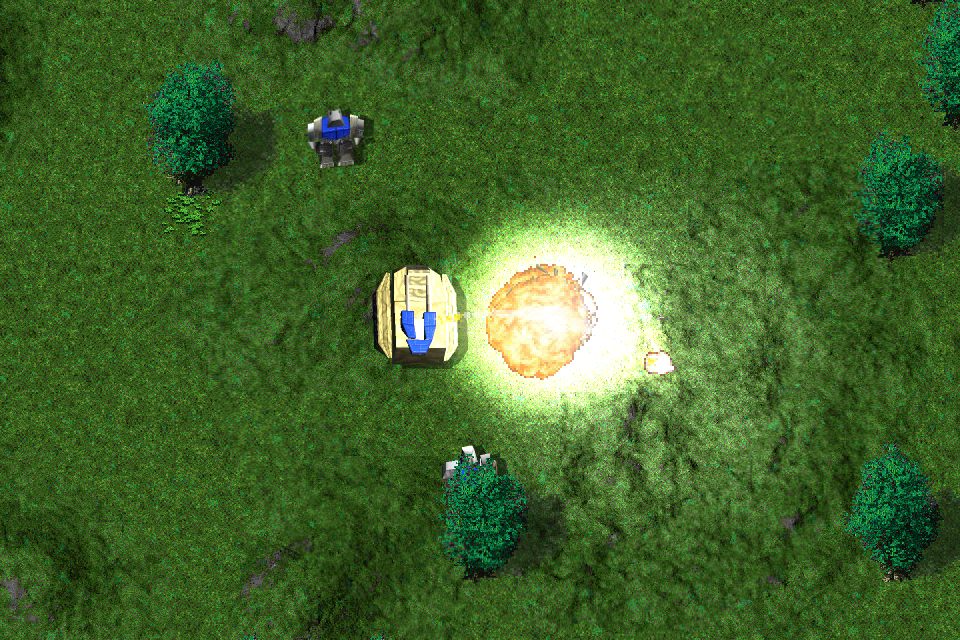
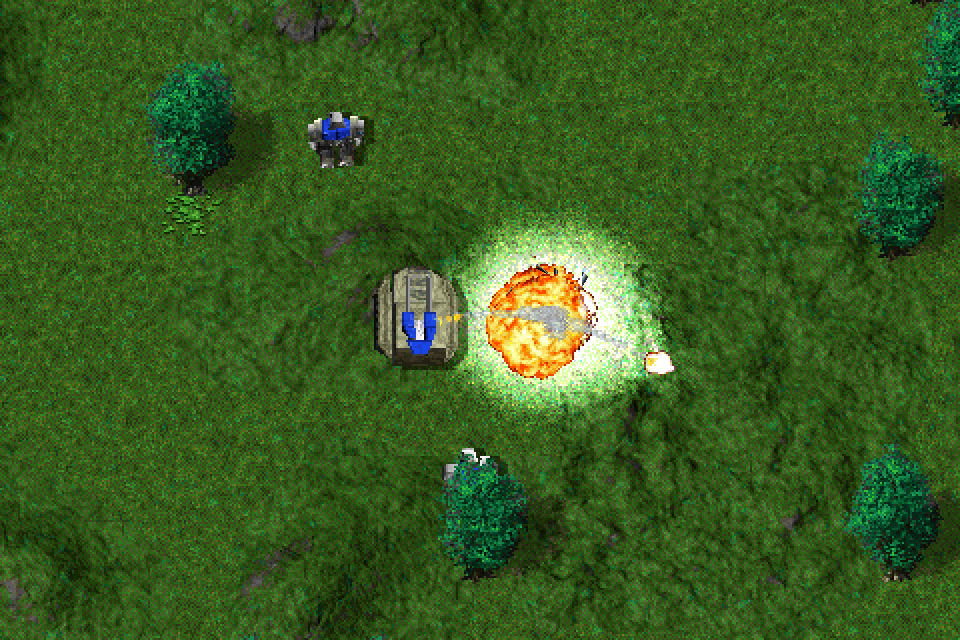
A Jeffy explodes
on Greenhaven
The Modern renderer lights the Bulldog beside it and adds detail to the grass and trees. Drag the divider to compare with Classic.
Capture settings and original files
Captured with engine 617540c5 on October 4, 2026. This compares full renderer paths: Modern includes supersampling and its default presentation effects. The tile cache was generated from the installed game’s original 32×32 tiles into 64×64 synthesized tiles. Healthy tree sprites use 2× synthesized feature banks; shadow or missing variants retain the engine’s normal fallback. Authored dead stumps are cleared from this staged display. No screenshot cropping, retouching or resampling was used. WebP exports decode to the exact captured pixels.
Why rebuild TA?
I played Total Annihilation as a teenager and got into making mods and 3D models. Years later I wanted to get it running on my MacBook Pro, and that eventually became a project to recreate the engine.
Nanolathe loads the original game data directly, including the scripts that turn turrets and open factory doors. First I’m trying to match how TA works. Once that’s reliable, it’s much easier to try changes and see what they actually do. The code is written in Go and available under the MIT license.
Before you play
Is this the original Total Annihilation?
It’s a new engine that runs the original game’s data. Nanolathe reimplements TA through clean-room research and is an independent project, unaffiliated with the game’s owners.
Do I need to own Total Annihilation?
You can play the three-mission browser demo without it. For the full game, use the installed files from a copy you own, such as GOG, Steam or the original CDs. Nanolathe’s MIT license covers the engine code; TA’s artwork and other game content have separate terms.
How complete is it?
Single-player campaign, skirmish and Survival are broadly complete. Bugs and smaller missing features remain, and compatibility varies by mission and content pack. Skirmish and Survival battles are recorded as replays. The gameplay reference lists the systems implemented so far.
Which browsers work?
The demo supports desktop Chrome, Edge and Safari with a keyboard and mouse. Firefox, phones and tablets haven’t been verified. The demo downloads its game files on first launch and caches them for later visits. For larger battles, install the native beta.
How do I play with friends?
Choose MULTI on the main menu, create a game and send its code to your friends. Skirmish supports 2 to 10 players; Survival supports 2 or 3. Everyone needs their own game files, so the three-mission demo can’t join online games. The installed game and desktop Chrome or Edge can play together. See the online guide for rules, computer players, alliances and sharing.